CD Label Designer Upgrade
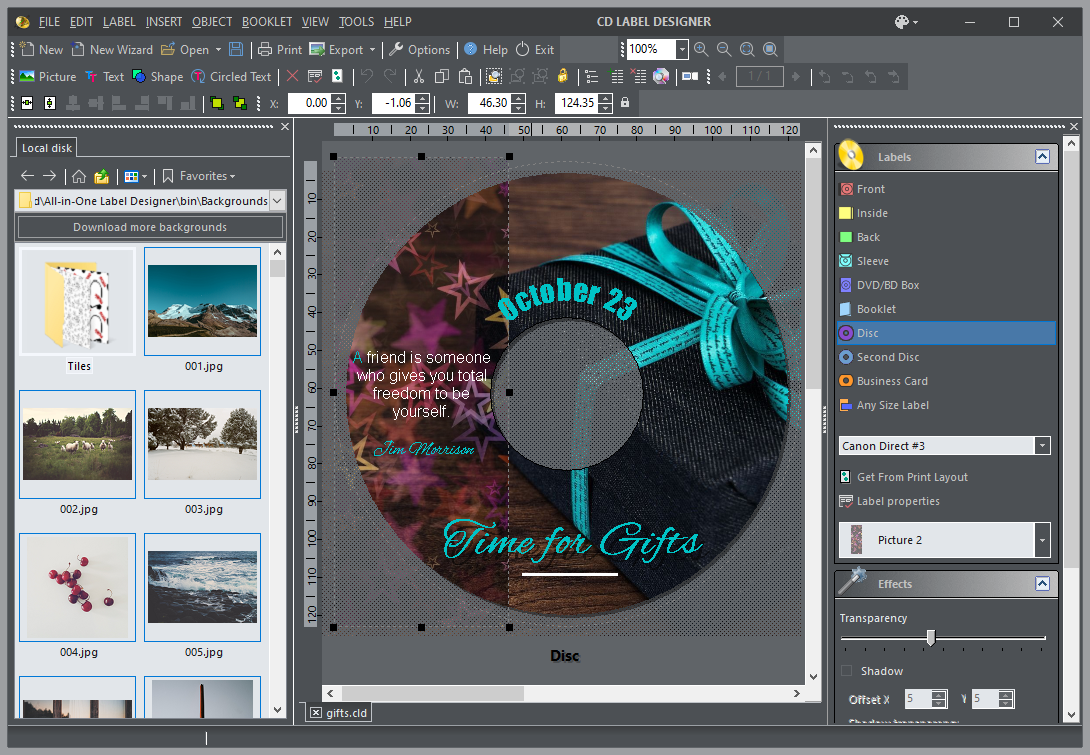
If you purchased any version before June 1st, 2022, you need to purchase an upgrade for version 9.x. To apply 50% discount, enter this code in the order form:
CDLD7PROMO4992
Buy Lite license for $9.97
Buy Personal license for $17.47
Buy Business license for $24.97
Compare Editions
Upgrade is not mandatory! If you are happy with version you already have, you can continue using it forever. In case you lost an installation file, you can find old versions on Downloads page.
What's New in 9.0
+ Improved Text Editor with several new options (strikeout, subscript, superscipt, line spacing...)
+ Full support for Right To Left (RTL) languages
+ Installer and application Options: configurable folder to keep background photos
+ Support for joined letters (Arabic) in Circled Text
+ Added numerous printer models for direct CD printing
& Quite significant dawing performance improvement
& Better transparency output quality
& Toolbar icons redesign, better visibility for dark theme
& Foreign letter filenames are suppored now
& Menu bar moved into title bar to save some screen space
& Transparent color for images now with tolerance (fixed to ~10% for now)
& Search through Print Layouts improved speed
& Right-click options in PicEdit and TextEdit
& Foreign letter in object selection drop down list (Toolbox)
& Better handling of multiple selected objects of various type
& Better Toolbox behavior
* Changing theme wrongly changes circled text font
* Text color for Light theme tabs in Label Properties
* Search through Print Layouts sometimes crashes
* Toolbox visibility when switching labels
* Print popup menus not themed
* TextEdit set font from first instead of last selected character
* Style of tooltips not consistent
* Show only removable drives in drive selection lists
* Status bar tooltips for other windows
* Numerous smaller improvements and bug fixes
What's New in 8.0
+ Full support for transparent and partially transparent PNG images (Alpha channel)
+ Better and easier support for any sized labels
+ Support for second disc in the same file
+ Add type and layout to New Wizard
+ Add several new label formats
& Toolbox image actions should apply to all selected
& Sort Toolbox layouts by name
& Keep selection after undo/redo
& "Lock" option status barely visible
& Better handling of saving files error
& Downloading images: hold refreshing image toolbox until all done
* Tiled images not scaled correctly for the printer resolution or zoom level
* Problem with transparent images and smaller images under them
* Problem with non-rectangular shapes and smaller images under them
* Duplicate zooming in PicProp
* Downloading images: total size showing 0 MB
* Several other minor fixes and improvements